

AISP Studio
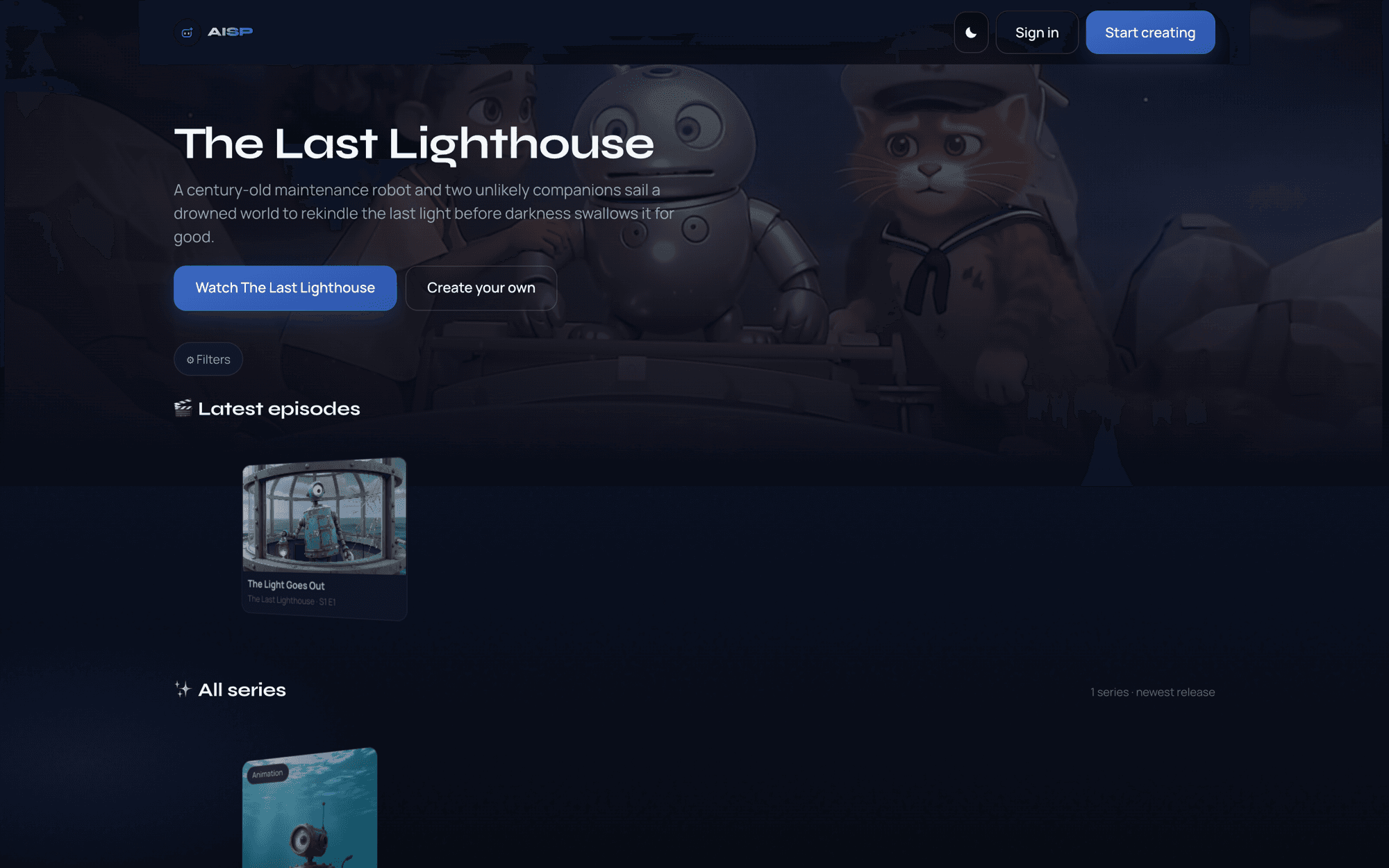
Everyone gets a series. Describe a story and AISP writes the bible, casts it, and renders episodes you can actually watch — then publishes them to a public catalog where other people can find them.
Series are generated with third-party AI models and are reviewed before they appear in the public catalog. Credits are sold as one-time purchases rather than a subscription.
AI Entertainment
AISP Studio
Who it’s for
People who have a story and no film crew — writers, creators, and anyone who wants a watchable series — plus viewers who want to browse what everyone else is making.
Problem
Making episodic video takes a crew, a budget, and months. Generative tools can produce a clip, but not a cast that stays recognisable across a season or a story that remembers what happened two episodes ago.
Watch AISP Studio
Recorded from the real product.
AISP Studio in 30 seconds
0:29Turn one sentence into a watchable series: the AI writes the cast, the episodes and the narration.
How it works
- 1
Describe a story in a sentence, choose a language and a look, and optionally attach notes the agent treats as canon.
- 2
The agent writes the series bible — title, cast with locked visual descriptions, world rules, and the season outline — plus cover art and character portraits. All of that is free.
- 3
Episode one is scripted into scenes, so the cost is a real number rather than an estimate. Confirm it and each scene renders and lands as it completes.
- 4
Watch the episode, then generate the next one. Finish the season and publish it to the public catalog.
Key features
- A season bible, cast, and episode outline written from a single sentence
- Character portraits and scene chaining that hold the cast and the look together across a season
- Narration written and voiced in your language, not translated after the fact
- Per-episode credit cost shown before you spend, with failed scenes refunded
- A public catalog to browse, follow creators, and pick up where you left off
- Creator payouts from a share of measured revenue once a series finds an audience
- Mobile-first web plus an Android app
From the blog
AISP Studio: Turning One Sentence Into a Season You Can Watch
Example journey
Step 1
Describe the story
A place, a person, and something that goes wrong is enough to work with.
Step 2
The agent builds the season
Bible, cast, cover art, and the episode outline are generated before you spend anything.
Step 3
Generate an episode
Confirm the credit cost and watch each scene render and land.
Step 4
Publish and build an audience
Finish a season, publish it to the catalog, and earn a share once it draws views.
Get updates
Current status: Live
This product is available to explore via the product site.