

Postnod
It drafts. You nod. It posts. Postnod does the work of a social content team and hands you a review queue — the agent can stage posts but can never publish on its own.
Guides:All Postnod guidesGuides from every Zapx product
More:Postnod FAQ
Postnod is in early access. Publishing runs through third-party platform integrations, and every post requires human approval before it goes live.
Marketing Automation
Postnod
Who it’s for
Founders, small teams, and multi-brand studios that need a consistent social presence without a full-time content team.
Problem
Keeping one or more brands posting consistently means writing, designing, checking, and scheduling every post by hand. Most AI tools bolt a text generator onto a scheduler and leave both the work and the risk of a bad post going live with you.
Watch Postnod
Recorded from the real product.
Postnod: the full tutorial
3:15Set up a brand from its website, draft a first post, approve it in the queue, plan a month from a content plan, and see the chat, the Monday brief and Autopilot.
How it works
- 1
Set up each brand with its voice, guardrails, connected channels, and a content calendar.
- 2
The agent drafts copy, generates or selects visuals, lints them against your guardrails, and stages the post.
- 3
You approve, edit, or reject from the review queue — only approved posts are published.
Key features
- Agent-driven copy and visual generation from a content calendar
- Brand voice and guardrail checks on every draft
- Human approval queue — the agent has no publish capability
- Per-brand isolation for teams running several accounts
- Publishing through platform-approved integrations
- Full history of what was drafted, approved, and posted
Inside Postnod
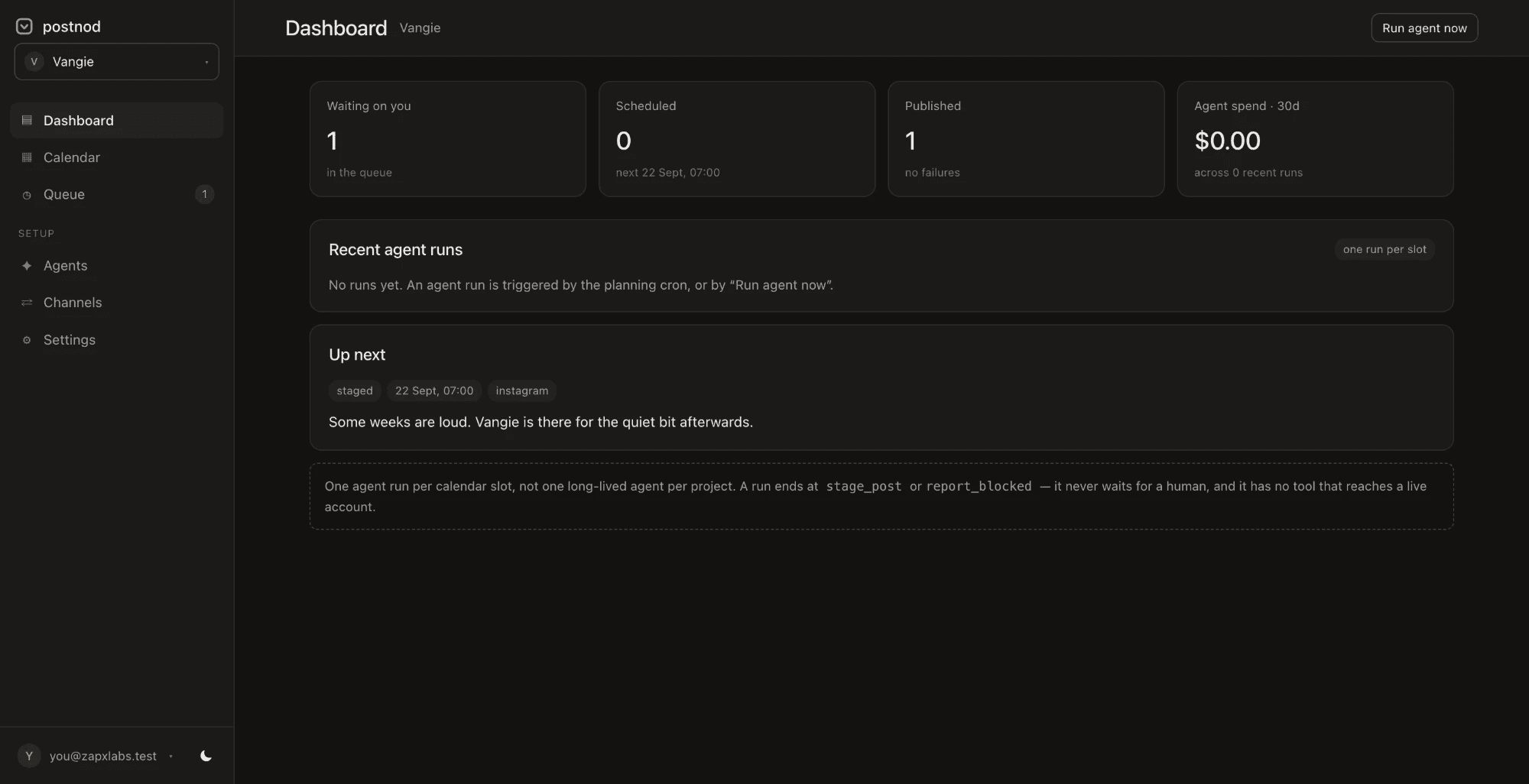
Screens from the current build. Details may change as the product develops.
From the blog
AI Social Media Managers With Human Approval: What to Look For (2026)
Example journey
Step 1
Define the brand
Set voice, guardrails, channels, and the posting calendar.
Step 2
Let the agent draft
Copy and visuals are produced and self-checked for each calendar slot.
Step 3
Review and nod
Approve, edit, or reject staged posts from a single queue.
Step 4
Publish with confidence
Approved posts go out through connected channels; nothing ships without you.
Get updates
Current status: Beta
This product is available to explore via the product site.