

Nura
Nura helps people stay supported between clinical moments — organising what matters, offering gentle check-ins, and holding continuity without replacing professional care.
Guides:All Nura guidesGuides from every Zapx product
More:Nura FAQ
Nura provides wellbeing support and organisational help. It does not diagnose, prescribe, or replace professional medical or mental health care. If you are in crisis, contact local emergency services.
Wellbeing
Nura
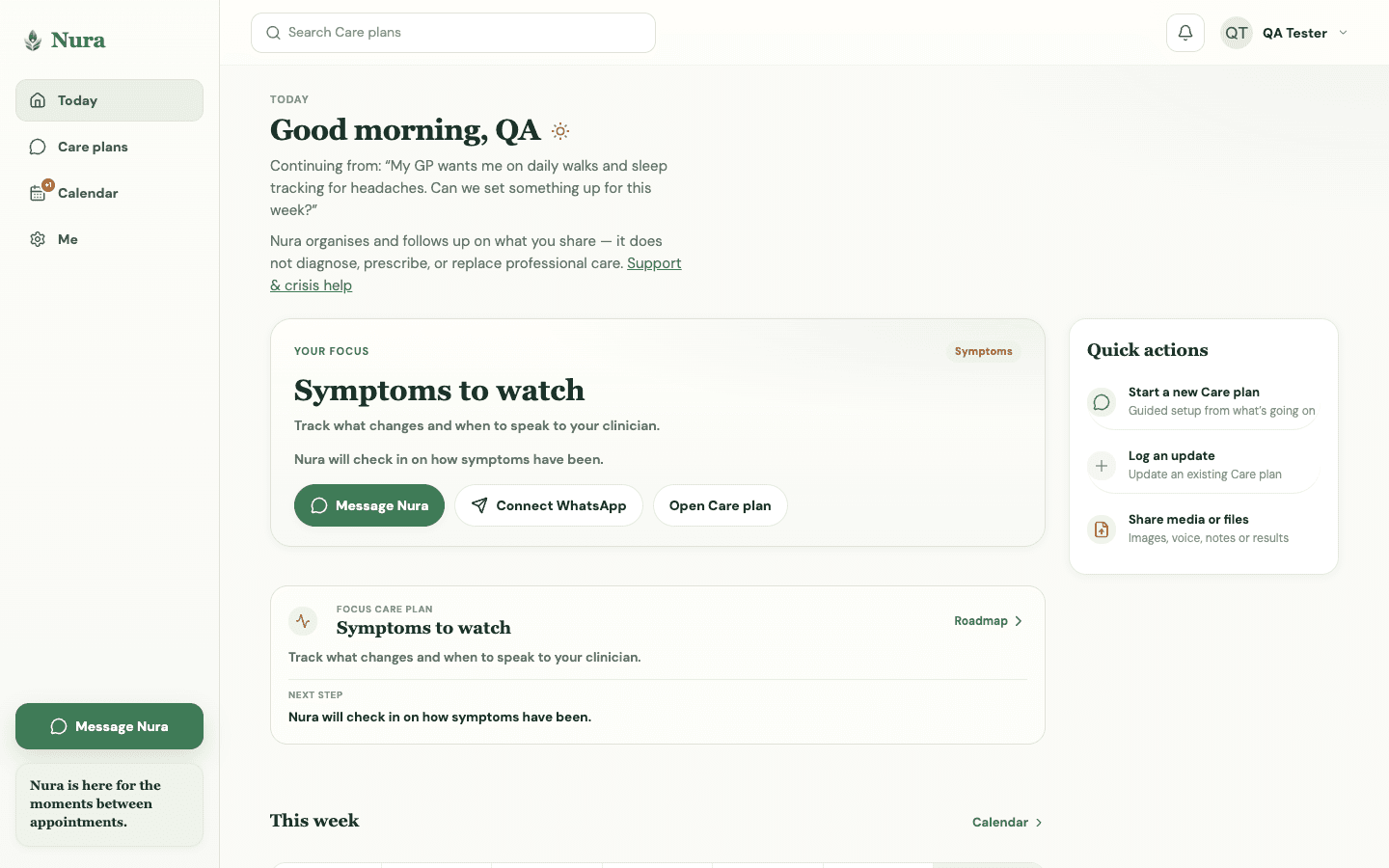
Who it’s for
People navigating health and wellbeing after appointments, plus family members and carers who share day-to-day support.
Problem
Care often ends at the clinic door. Advice gets lost, follow-ups slip, and the emotional and practical load falls on individuals and families.
Watch Nura
Walkthroughs and short videos recorded from the real product.
Nura, your AI wellbeing companion
0:41A 41-second look at Nura: it reads sleep and steps from Apple Health, links them to what you're working on, like work stress, and checks in by chat or call.
Check in on someone you care for
0:42How Nura checks in on a parent who lives alone: add their number, they say yes on a link, and Nura calls in their daytime and tells you how it went.
How it works
- 1
Share what is going on in plain language — a note from a visit, a worry, or something you need to remember.
- 2
Nura turns what matters into a care plan you can revisit.
- 3
Gentle check-ins bring the next step back when life gets busy.
Key features
- Care plans built from what you share after an appointment
- Gentle check-ins that bring the next step back
- Support shared with family, friends, and carers
- Context kept together between clinical moments
- Privacy-first design with clear boundaries
From the blog
What Is Nura? Inside the AI Companion Built for Life Between Appointments
Example journey
Step 1
Start a conversation
Describe what happened or what you need support with.
Step 2
Build a care plan
Nura organises the important parts so context does not scatter.
Step 3
Receive check-ins
Light-touch follow-ups help you stay on track between visits.
Step 4
Adjust as life changes
Update the plan as symptoms, routines, or priorities shift.
Get updates
Current status: Live